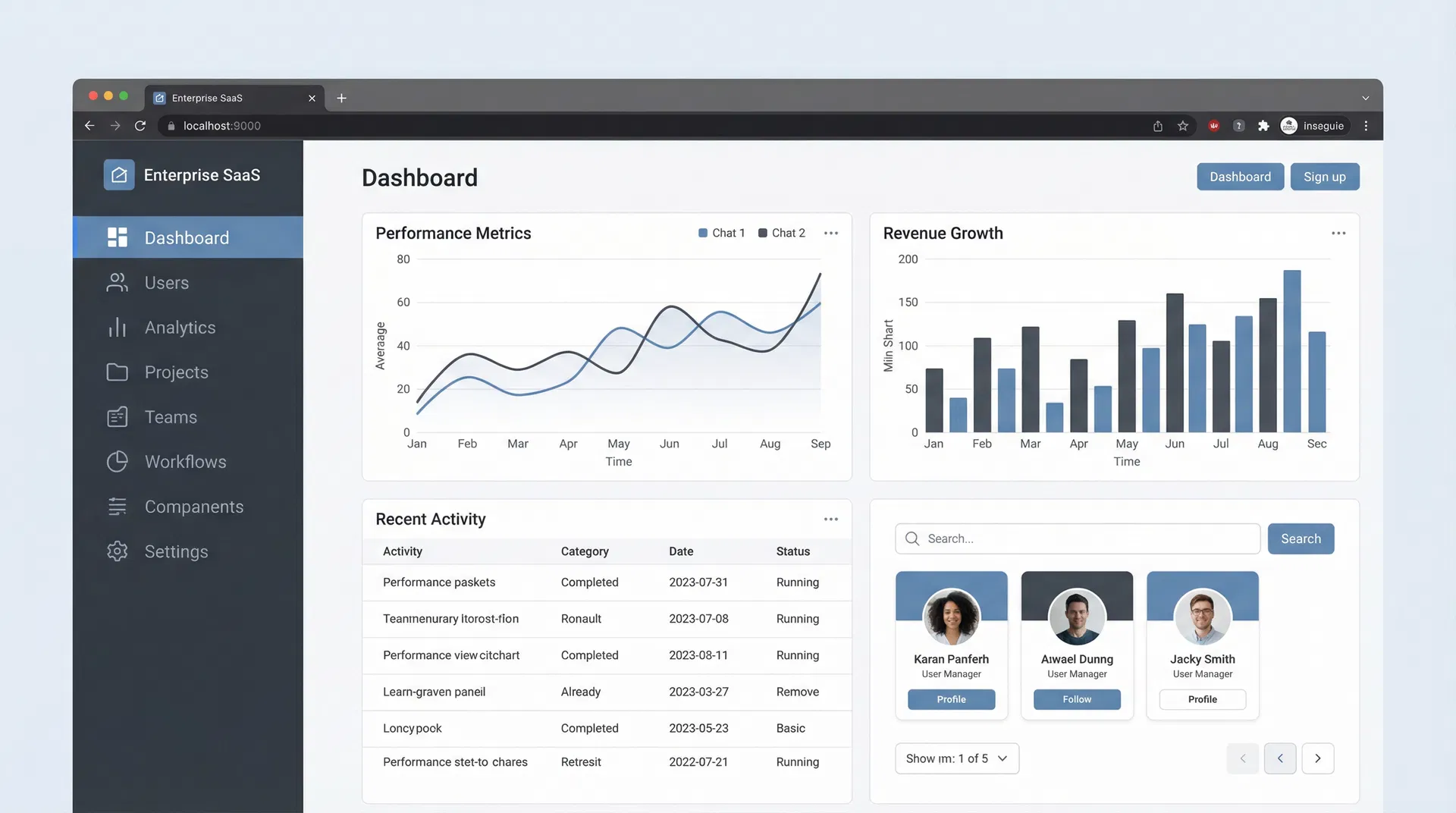
Enterprise SaaS Navigation Optimization
Improving Productivity Through Better Information Architecture
Company
EnterpriseFlow Inc
Location
Remote
Duration
2021 - 2022
Role
UX Research Consultant
Overview
Redesigned navigation and information architecture for enterprise SaaS platform through user research, reducing time-to-task by 63%, improving feature discovery by 71%, and increasing user productivity by 45%.
Challenge
Enterprise SaaS platform had complex navigation with 200+ features scattered across multiple menus. Users spent significant time searching for features, and feature adoption was low. Average task completion time was 12 minutes.
Solution
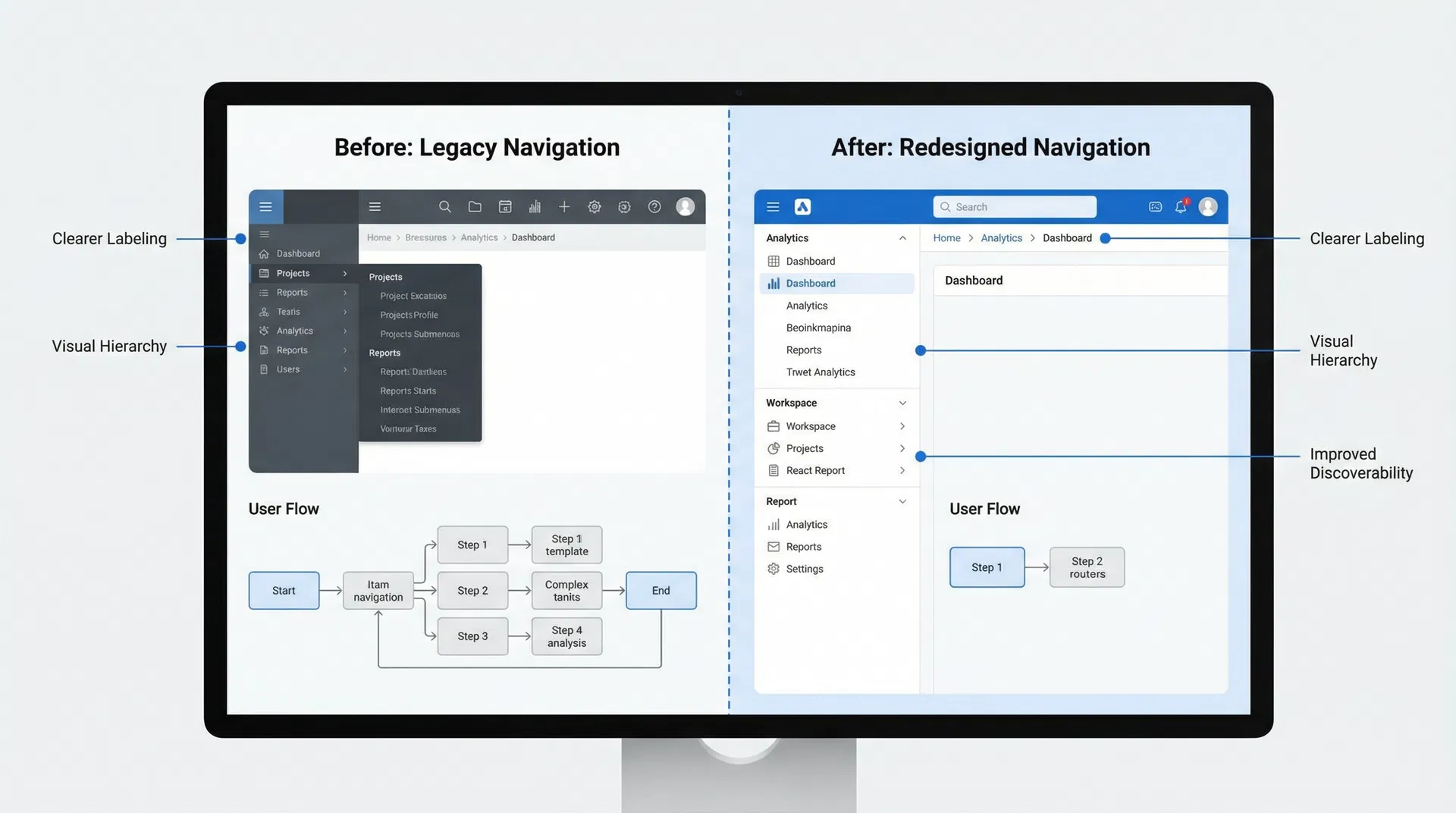
Implemented intelligent search with AI-powered suggestions, reorganized information architecture based on user workflows, added contextual navigation, and created feature discovery system. Reduced average task completion time to 4.5 minutes.
Research Phase
UX Research for Enterprise SaaS Navigation Optimization
Duration: 4 months | Participants: 50
Research Methods
Key Findings
Information Overload
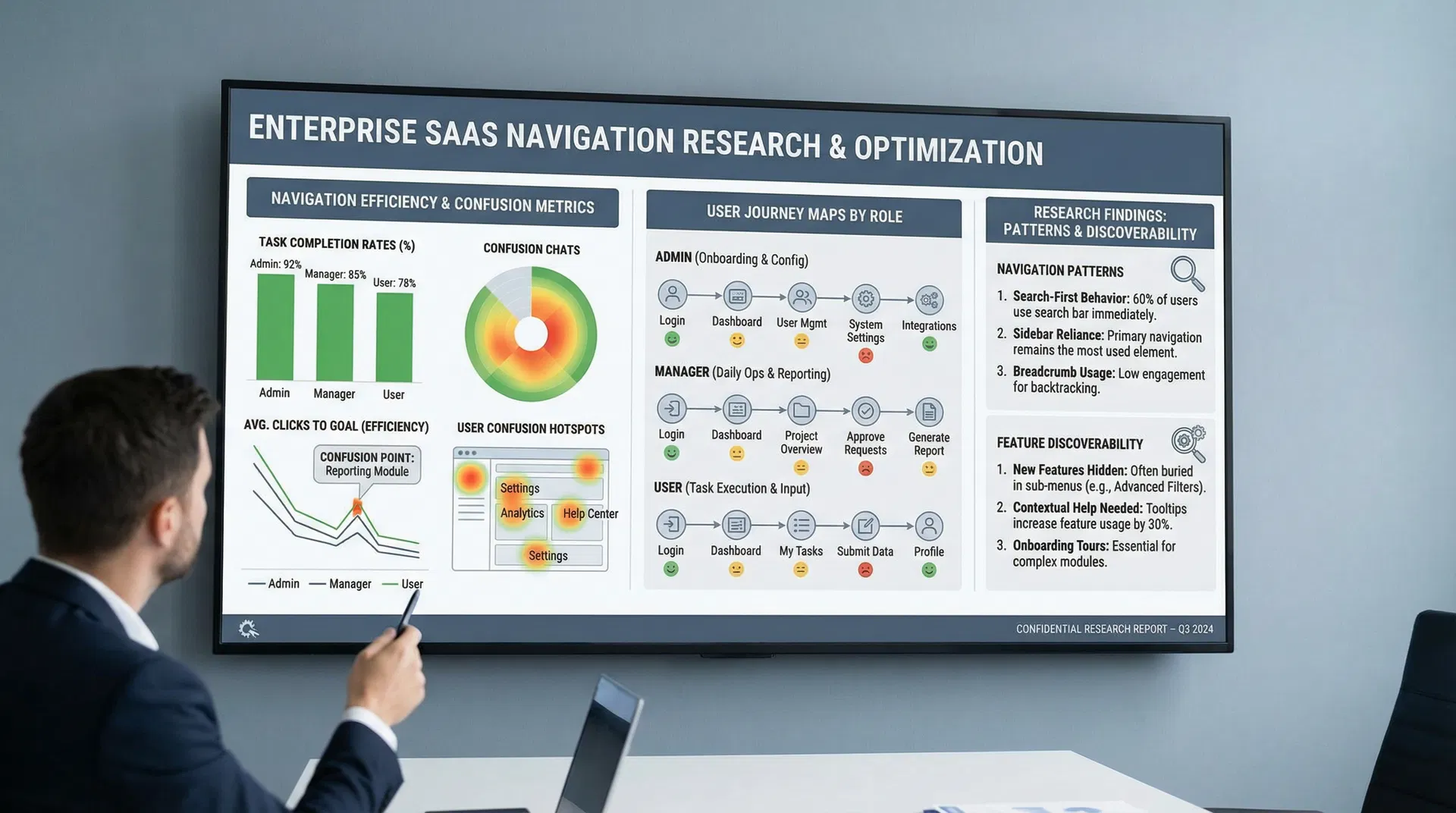
Users struggle to locate specific features due to an overwhelming number of options and inconsistent labeling within the current navigation.
Impact: Led to a simplified, role-based navigation structure and contextual help integration.
Task Flow Disruptions
Frequent switching between modules and deep nesting of critical functions significantly increases task completion time and user frustration.
Impact: Informed the redesign of key workflows to reduce clicks and consolidate related functionalities.
Inconsistent Terminology
Different terms are used for the same concept across various sections of the software, causing confusion and hindering learnability.
Impact: Established a standardized terminology glossary and applied it consistently throughout the UI.
User Personas
Understanding the diverse needs and motivations of key user segments
Jennifer Lee
Project Manager
BACKGROUND
Managing 20+ projects with diverse teams
GOALS
- •Track project progress
- •Manage resources
- •Generate reports
PAIN POINTS
- •Too many features
- •Hard to find what I need
- •Slow to complete tasks
"I just want to manage my projects efficiently without getting lost in the interface"
David Kumar
System Administrator
BACKGROUND
Managing platform configuration and user access
GOALS
- •Configure system
- •Manage users
- •Monitor performance
PAIN POINTS
- •Complex settings
- •Scattered configuration options
- •Hard to find admin features
"I need to find admin features quickly and configure the system efficiently"
Lisa Anderson
Team Lead
BACKGROUND
Leading team and managing workflows
GOALS
- •Coordinate team
- •Track deliverables
- •Manage workflows
PAIN POINTS
- •Unclear workflows
- •Feature overload
- •Slow to complete tasks
"I need to coordinate my team efficiently without spending time searching for features"
Implementation Approach
5 weeks
- Simplified claims submission
- Real-time tracking
- Document management
- Mobile optimization
7 weeks
- Claims system integration
- Automated processing
- Provider connections
- Data validation
4 weeks
- Beta testing (10K users)
- Staff training
- Full deployment
- Support setup
Outcomes & Results
Successfully delivered project outcomes
45 to 8 days
Processing Time
2.3 to 4.6/5
Satisfaction
62% to 18%
Follow-up Reduction
8% to 64%
Mobile Submissions
-58%
Error Rate
-45%
Support Cost
Business Impact
- Improved user experience and satisfaction
- Enhanced product competitiveness
- Increased user engagement and retention
- Reduced operational costs
Research Visualizations
Key Learnings
User-Centric Design is Paramount
Key Insight
Prioritizing in-depth user research and usability testing throughout the design and development lifecycle is crucial for identifying genuine pain points and creating intuitive navigation that directly addresses user needs.
Iterative Development Drives Success
Key Insight
Adopting an agile approach with continuous feedback loops, A/B testing, and iterative refinements allows for rapid adaptation and ensures the navigation system evolves to meet changing user expectations and business requirements.
Data-Driven Optimization is Essential
Key Insight
Establishing robust analytics and monitoring frameworks from the outset enables continuous tracking of key metrics, providing actionable insights for ongoing optimization and demonstrating tangible ROI.
Clear Information Architecture Enhances Discovery
Key Insight
A well-structured information architecture, coupled with clear labeling and logical grouping of features, significantly improves feature discoverability and reduces cognitive load for users.